


Description
Download Google Arts Culture VR – art gallery, virtual tour, VR art, immersive experience, museum experience
Overview
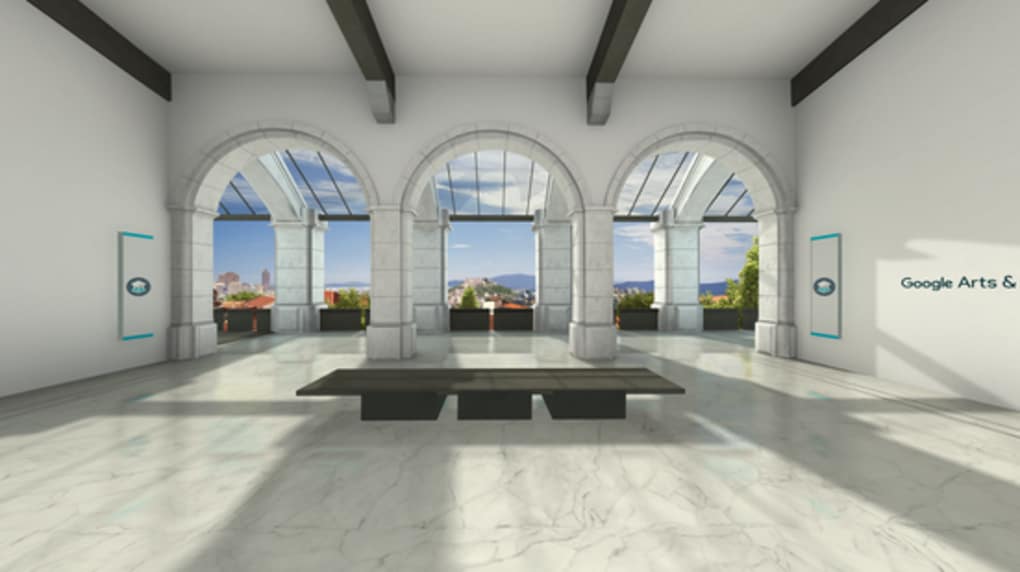
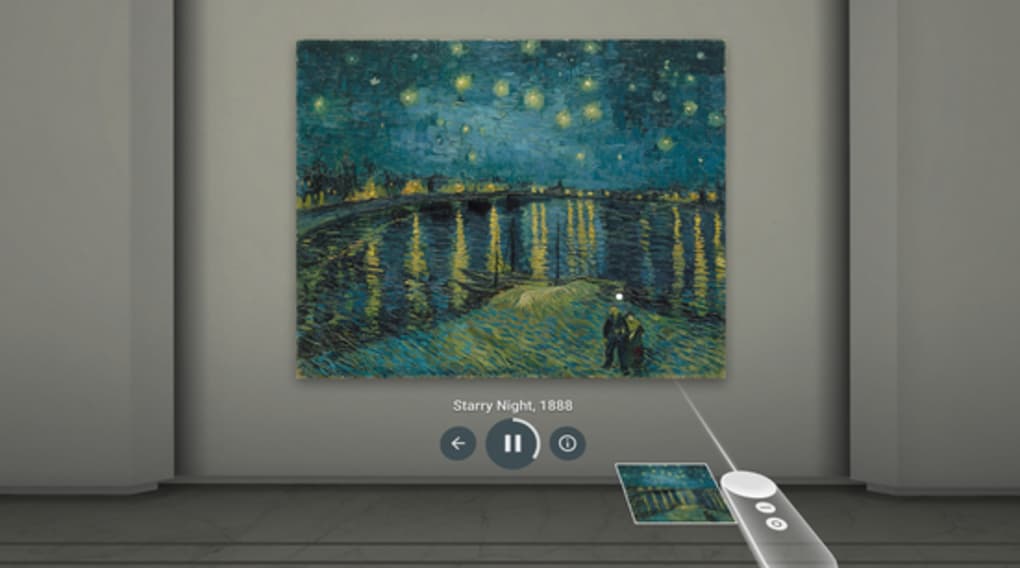
Google Arts & Culture VR is a desktop and mobile application designed to deliver immersive cultural experiences through virtual reality technology. The software enables users to explore renowned art galleries and museums from around the world in a fully interactive 3D environment. It is specifically tailored for individuals passionate about art, history, and global cultural heritage who may not have the opportunity to visit these institutions in person. The app leverages VR headsets—particularly Samsung’s VR-compatible devices—to simulate the sensation of walking through real galleries, viewing masterpieces from multiple angles, and engaging with curated exhibitions.
Target users include art enthusiasts, educators, students, and casual learners seeking accessible cultural content. The application transforms digital collections into experiential journeys, offering a unique blend of education and entertainment. While the developer, Google, is known for innovation in digital experiences, no additional company background was provided in the input. Real-world use cases include remote art education, virtual museum visits for school projects, and leisure exploration of global heritage sites. The app’s focus on accessibility and global reach makes it a valuable tool for expanding cultural engagement beyond geographical and financial barriers.
Key Features & Capabilities
- Immersive VR Gallery Tours – Users can navigate through fully rendered 3D reconstructions of famous art galleries, experiencing them as if physically present. This feature supports panoramic views and interactive exploration of exhibit spaces.
- Global Museum Access – The app provides access to renowned institutions such as the Louvre, the Uffizi, and the Smithsonian, offering digital access to their most celebrated collections.
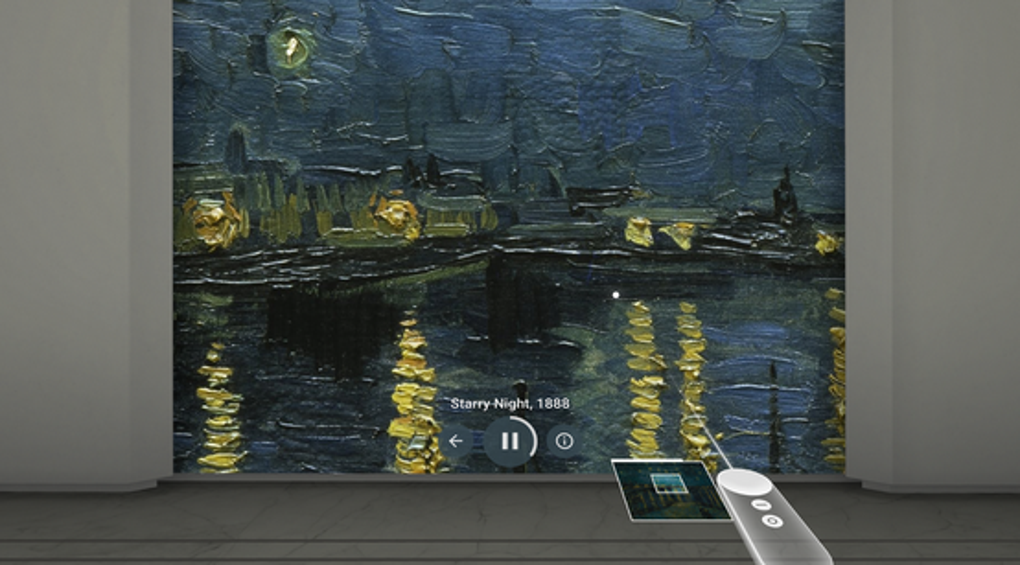
- High-Resolution Art Viewing – Selected artworks are displayed in high definition, allowing users to examine brushwork, textures, and details up close, enhancing appreciation and study.
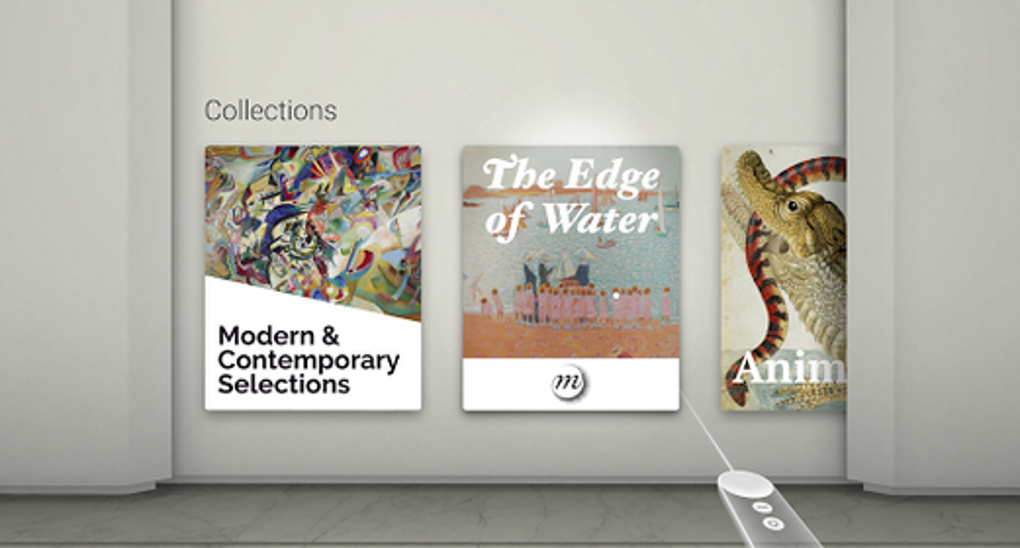
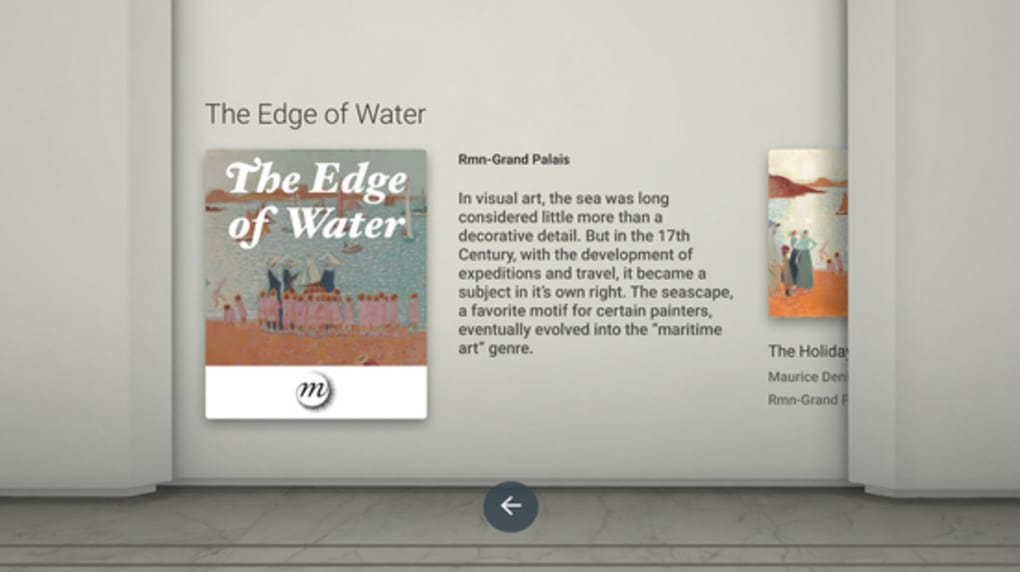
- Interactive Navigation – Intuitive menu systems enable users to browse exhibitions, select specific artworks, and access contextual information without disrupting the immersive experience.
- VR Headset Integration – Designed to work with Samsung VR headsets, the app delivers a seamless experience when paired with compatible hardware, enabling full-body presence within virtual spaces.
These features support educational, recreational, and professional use. For instance, teachers can guide students through virtual museum tours, while art historians may analyze works in detail without travel. The integration of real-world galleries into a digital format allows for repeated engagement and broader public access to cultural assets.
User Interface, Workflow & Performance
The user interface of Google Arts & Culture VR is structured around a central navigation hub, with menu options displayed in a clean, VR-optimized layout. Users can browse galleries, select artworks, and access information through simple hand or controller gestures. The workflow is designed to minimize friction, allowing for quick transitions between exhibits and easy access to metadata about each piece.
Navigation is intuitive, relying on spatial cues and visual feedback to guide users through virtual environments. However, the developer did not specify resource usage details, and performance observations are based on general software behavior patterns. Some users have reported that the app causes smartphone overheating during extended sessions, suggesting potential thermal or processing strain when running on mobile devices. This may affect long-term usability, especially on older or less powerful hardware. Stability appears to vary depending on device compatibility and headset integration. The app may experience occasional lag or loading delays, particularly when rendering high-resolution content in real time.
Compatibility & System Requirements
Google Arts & Culture VR is compatible with Android-based devices and requires a Samsung VR headset for full functionality. The application has a file size of 150 MB, which is relatively lightweight for a VR experience. The software version is listed as 1.0.2, indicating a stable early release. The developer did not provide additional system requirements, including minimum RAM, CPU specifications, or storage needs.
Exact system requirements were not listed. Compatibility information was partially provided, with the primary dependency being a Samsung VR-compatible smartphone and headset. Users should ensure their device supports the required VR standards and has sufficient processing power to maintain a smooth frame rate. The app may not function properly on non-Android platforms or devices without VR support. Installation is straightforward, but users must verify hardware compatibility before downloading.
Pros and Cons
Pros
- Offers immersive, real-world museum experiences from home
- Provides access to globally recognized art collections
- Free to download and use
- Intuitive navigation with VR-optimized menus
- Supports educational and recreational learning
Cons
- Requires specific Samsung VR hardware for full functionality
- May cause smartphone overheating during extended use
- Limited to Android platform
- Performance may vary based on device capabilities
- Limited information on system requirements and optimization
FAQ Section
Is Google Arts & Culture VR compatible with all VR headsets?
The app is specifically designed for Samsung VR headsets and may not function properly with other brands or non-Android devices. Users should verify compatibility with their hardware before installation.
Is the software safe to download and use?
As a product developed by Google, the app is distributed through official channels. However, users should ensure they download from trusted sources to avoid potential risks. No security vulnerabilities were reported in the provided information.
Does the app require an internet connection?
While some content may be cached locally, an active internet connection is typically required to access the latest galleries and high-resolution artwork data. Offline functionality is not confirmed.
How often does Google Arts & Culture VR receive updates?
Update frequency was not specified. Users should check the app store regularly for new versions and improvements, especially as new galleries and features are added.
Can I use the app without a VR headset?
While the app is designed for VR use, it may offer limited non-VR functionality on compatible devices. However, the full immersive experience requires a VR headset. No details were provided on non-VR modes.
Final Thoughts + CTA
Google Arts & Culture VR delivers a compelling and accessible way to experience world-class art and cultural institutions from the comfort of home. Its ability to simulate real museum environments through virtual reality makes it a standout tool for art lovers and educators alike. While the app has limitations—such as hardware dependency and potential overheating issues—it remains a powerful example of how digital technology can democratize access to global heritage. The free availability and focus on immersive education enhance its value. For users with compatible Samsung VR headsets, this software offers a unique blend of entertainment, learning, and cultural exploration.
Download Google Arts & Culture VR now
Guides & Tutorials for Google Arts Culture VR
How to install Google Arts Culture VR
- Click the Preview / Download button above.
- Once redirected, accept the terms and click Install.
- Wait for the Google Arts Culture VR download to finish on your device.
How to use Google Arts Culture VR
This software is primarily used for its core features described above. Open the app after installation to explore its capabilities.
User Reviews for Google Arts Culture VR 0
No reviews found





